It duplicates the mobile site
An app that does exactly what your website already does on a phone gives a shopper no reason to install it, and no reason to keep it.

Scale. Optimize. Succeed.
Apps & Mobile
Native and cross-platform shopping apps, progressive web apps and custom platform apps, built by the team that then has to get people to install and reopen them. Most brands do not need an app. The ones that do need it for one specific reason, and the honest first conversation is about whether yours is one of them.

The Problem
Twelve reasons app projects fail, and almost none of them is a development problem. We raise these before quoting, because the cheapest app project is the one you decide not to do.
An app that does exactly what your website already does on a phone gives a shopper no reason to install it, and no reason to keep it.
The build gets budget and the acquisition does not. An app with no install channel is a product with no distribution.
Apps are judged on day-30 retention, not downloads. If nobody agreed a number before the build, nobody can tell afterwards whether it worked.
Apps reward frequent, habitual purchase. A catalogue bought once every two years will not generate the reopen rate an app needs to justify itself.
Separate native iOS and Android builds double the maintenance and guarantee the two drift apart. Most brands cannot resource that honestly.
A hand-built app checkout rarely matches the hosted one it replaced, and wallet support is where it usually falls short.
App Store and Play review can add a week to any release and can reject one outright. Teams that have not budgeted for it miss launch dates.
Without universal links and app indexing, every campaign, email and search result sends app users back to the website.
Notification permission is granted once and revoked permanently. Overused in month one, the channel is gone by month three.
Two operating systems ship breaking changes every year. An app without a maintenance retainer stops working, and the first sign is usually a one-star review.
App and web analytics use different identity models. Without deliberate work the app looks either far better or far worse than it is.
App-builder templates launch quickly and hit a ceiling almost immediately, and the code is rarely portable when you outgrow it.
What We Do
Eight services covering build, release and upkeep. Scope the eCommerce app development services you need from the audit rather than from a package list — most brands need two or three of these, not all eight.
01
One React Native codebase shipping to both iOS and Android, which is the right default for most brands.
02
Separate native builds where device features, performance or an existing team genuinely justify two codebases.
03
An installable, offline-capable storefront with no app store dependency — often the honest alternative to an app.
04
Shopify, BigCommerce and WooCommerce apps built for your own store where no off-the-shelf app does the job properly.
05
A React or Next.js front end on your existing commerce backend, where template control is the actual requirement.
06
Commerce, loyalty, search, reviews and support joined to the app through your platform APIs, with error handling.
07
Signing, provisioning, store listings, review submissions and the staged rollouts that limit the damage of a bad build.
08
OS version upgrades, SDK deprecations, crash monitoring and the release cadence that keeps the app from quietly breaking.
App work sits on top of the store rather than beside it — it depends on eCommerce development , feeds off retention for installs and reopens, and is only worth doing once conversion on the mobile site is sound.
Stack
We recommend the approach that fits the business and the team that will maintain it, not the one we would rather build on.
Scope
Ten things we build regularly. If what you need is not on this list it is worth a conversation rather than an assumption — most eCommerce app development work turns out to be three of these ten, not all of them.
Ecosystem
An app is a second front end on the same business. Everything below already exists for the website, and every one of these connections is a place where the app and the site can silently stop agreeing.
Connected to the nine systems below
Apple Pay, Google Pay, saved cards and in-app purchase rules.
Live availability, so the app never sells what the website knows is gone.
One customer record across app and web, including social and passkey sign-in.
App orders in the same queue as web orders, not a separate pile to reconcile.
One messaging plan across channels, so a customer is not told the same thing three times.
App events mapped to the same definitions as the website, or the two will never reconcile.
Live tracking in the app, which is the single most-used feature on most shopping apps.
The same search engine and ranking rules as the site, not a second set of results.
Helpdesk, chat and returns inside the app, with order context already attached.
The Process
Seven stages. The first one is the one that saves most of the money, because it is where we establish whether you need an app at all.
01
Purchase frequency, repeat rate, mobile revenue share and the install channel you actually have. If the numbers say a faster mobile site would beat an app, we say so and the project stops here.
02
Native or cross-platform, a feature scope tied to a day-30 retention target, store accounts in your name, and a release calendar that assumes review delays rather than hoping against them.
03
Native patterns rather than a website in a frame — platform navigation, gestures, system fonts and dark mode, designed on the handset sizes your own analytics show.
04
Shipped to a test track in reviewable increments, with deep links, push, analytics and crash reporting wired in from the first build rather than retrofitted before launch.
05
Real devices across both operating systems and several OS versions, offline and poor-connection behaviour, and the failure paths — declined cards, expired sessions, an API that times out mid-checkout.
06
Signing, provisioning, store listings and privacy declarations, then a staged rollout to a small percentage first so a crash reaches dozens of customers rather than thousands.
07
Day-7 and day-30 retention reviewed against the target set at planning, alongside OS upgrades, SDK deprecations and crash triage. This is the stage that decides whether the build was worth it.
By Need
Eight needs and the approach each one calls for. Two of them are answered by not building an app.
The one case where an app reliably pays: habitual reorder, saved payment, one-tap repeat and push that is actually useful.
If mobile converts at half of desktop, fix that first. It costs a fraction of an app and benefits every visitor rather than the few who install.
Installable, offline-capable and push-capable, with no review queue and no 30% store cut on anything sold inside it.
Contract pricing, order pads, approval flows and reorder from history, for buyers who place the same order every week.
A private Shopify or BigCommerce app built for your store, which survives platform updates in a way a theme hack does not.
A code and analytics audit to establish what is salvageable. Sometimes the honest answer is that a rebuild costs less than continuing to patch.
If the requirement is control over rendering and URLs rather than a phone icon, headless is the cheaper and more durable answer.
OS upgrades, SDK deprecations, crash triage and a named developer who already knows the codebase.
Foundations
Four non-negotiables, all in scope by default. On an app these are harder to retrofit than on a website, because a bad release reaches a store listing and a review score before it reaches you.
Why Us
Eight things that separate a commerce app from a general mobile project, and what to ask any eCommerce app development company before the statement of work is signed.
If your purchase frequency and install channel do not support an app, we will say so before quoting. That costs us the project and saves you the budget.
Day-7 and day-30 retention agreed at planning and reviewed after launch. Downloads are a vanity number and we do not report them alone.
The people building the app also have to drive installs and reopens afterwards, which changes what gets prioritised in the scope.
Variant logic, wallet checkout, live stock and returns are our daily work rather than something looked up when a ticket mentions them.
Cross-platform unless there is a specific reason not to be, because two native codebases double the maintenance and drift apart within a year.
Signing, provisioning, privacy declarations and review responses handled by us, with the accounts and keys in your name throughout.
Universal links and app indexing built in, so email, search and paid campaigns open the app rather than bouncing users to the website.
Your repository, your developer accounts, your signing keys, your store listings, documented at handover. There is no version of this where leaving us breaks your app.
Build types
Three approaches, with when each one fits, what it involves and the scope it commits you to. These are build types rather than client case studies — the figures below are scope, not results.

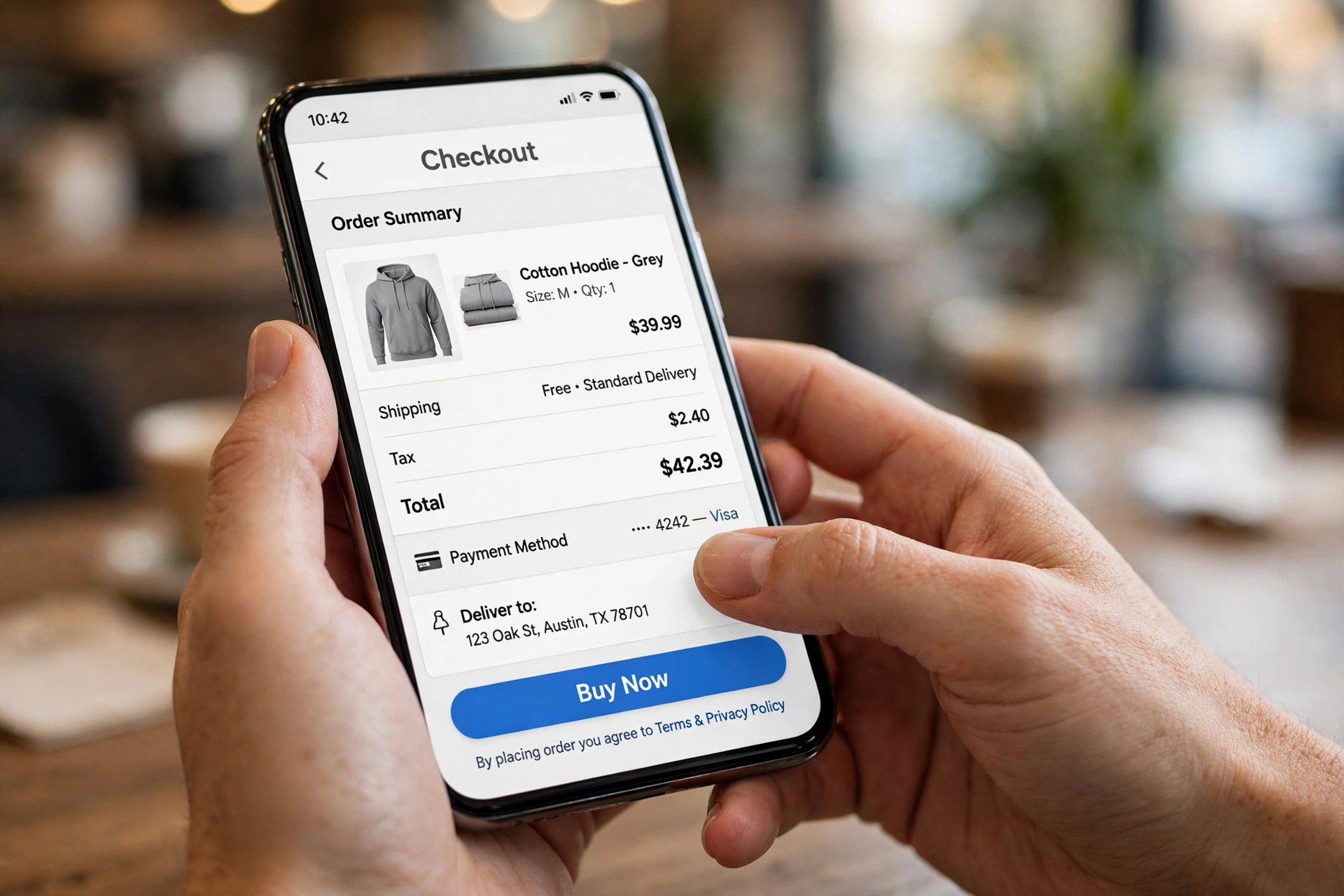
React Native, one codebase, both app stores
Customers who buy monthly or more often, a meaningful share of revenue already on mobile, and an owned channel — email, SMS or packaging — capable of driving installs without paid spend.
React Native, your existing commerce backend via API, wallet checkout, push, universal links, crash and analytics SDKs
Native navigation and gestures rather than a wrapped website, saved payment and one-tap reorder, live order tracking, and a push plan with a frequency ceiling agreed before launch.
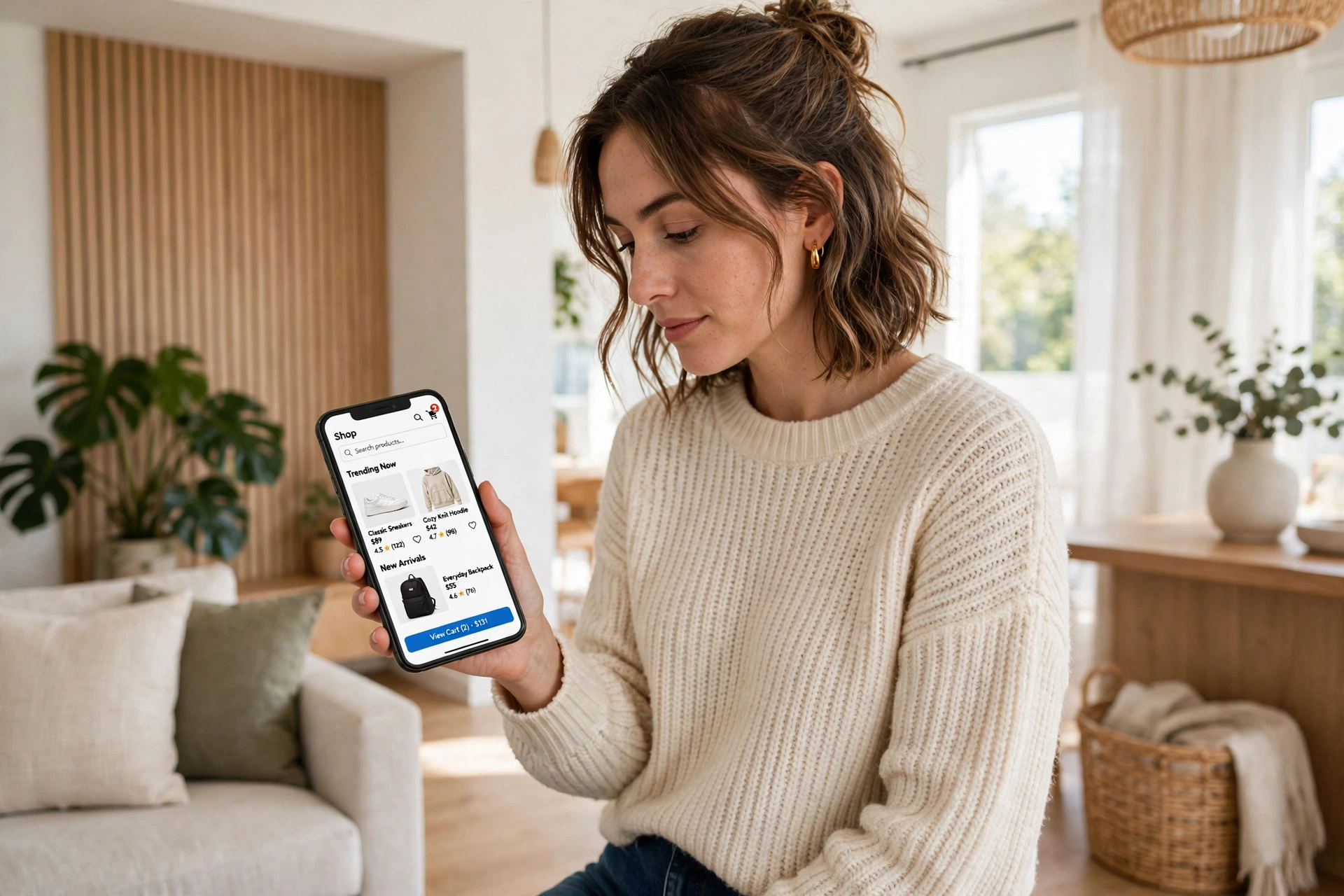
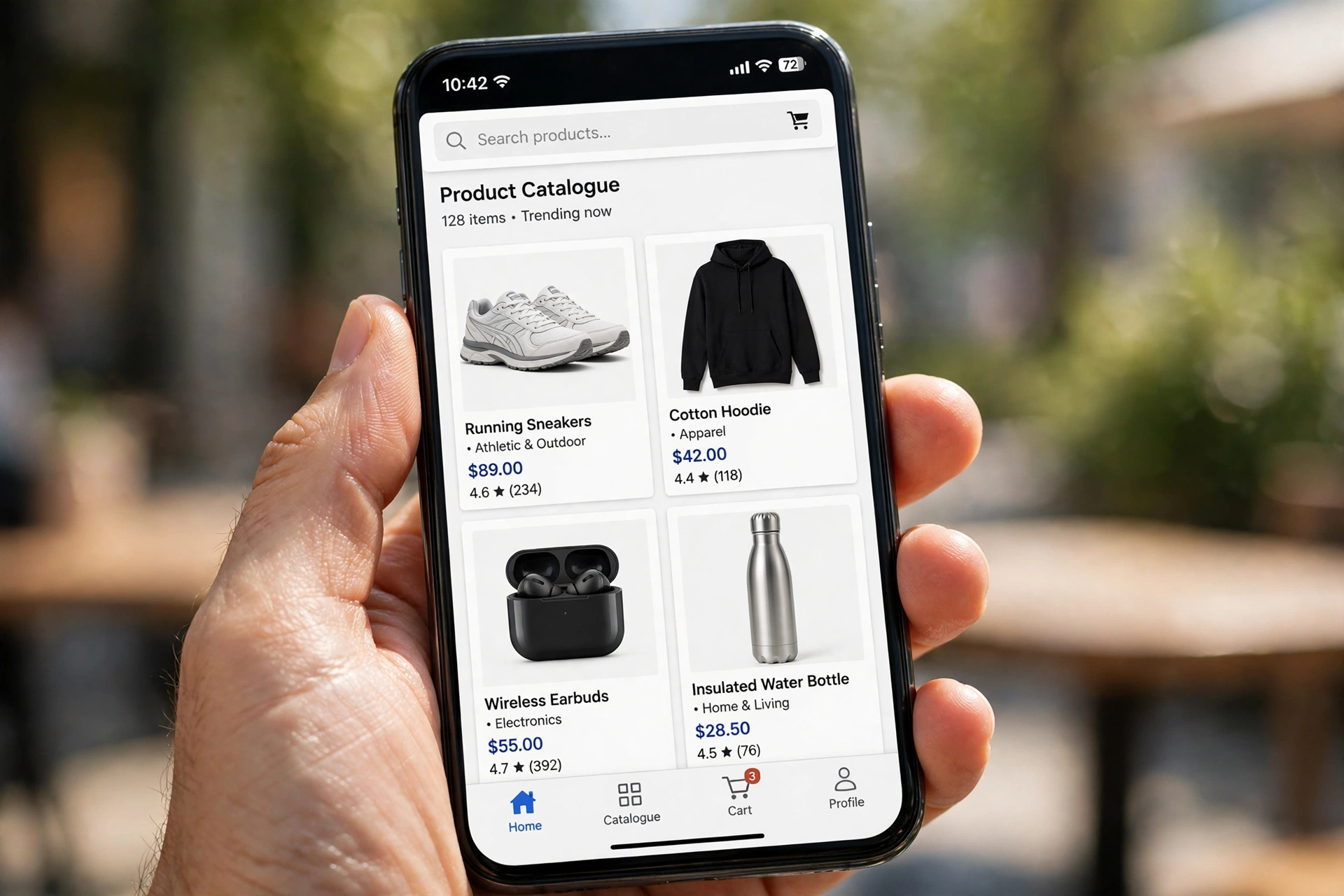
Installable storefront, no app store in the loop
You want app-like behaviour — a home-screen icon, offline browsing, push — without two codebases, a review queue or a store commission. For most brands asking for an app, this is the honest answer.
React or Next.js, service worker, web app manifest, web push, your existing commerce backend and checkout
One front end serving both the website and the installed experience, cached catalogue for offline browsing, an install prompt placed where intent is highest, and the same checkout the website already uses.
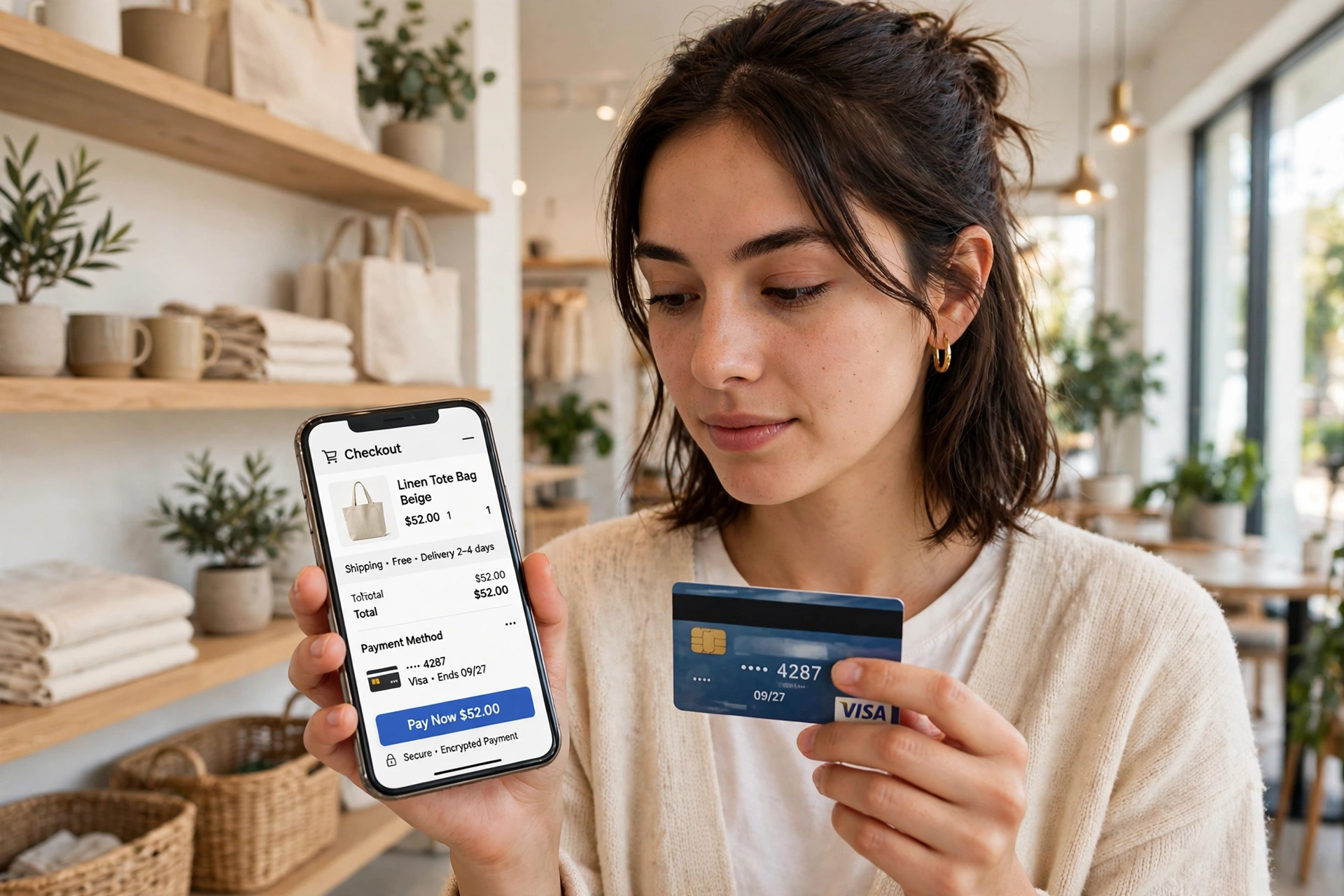
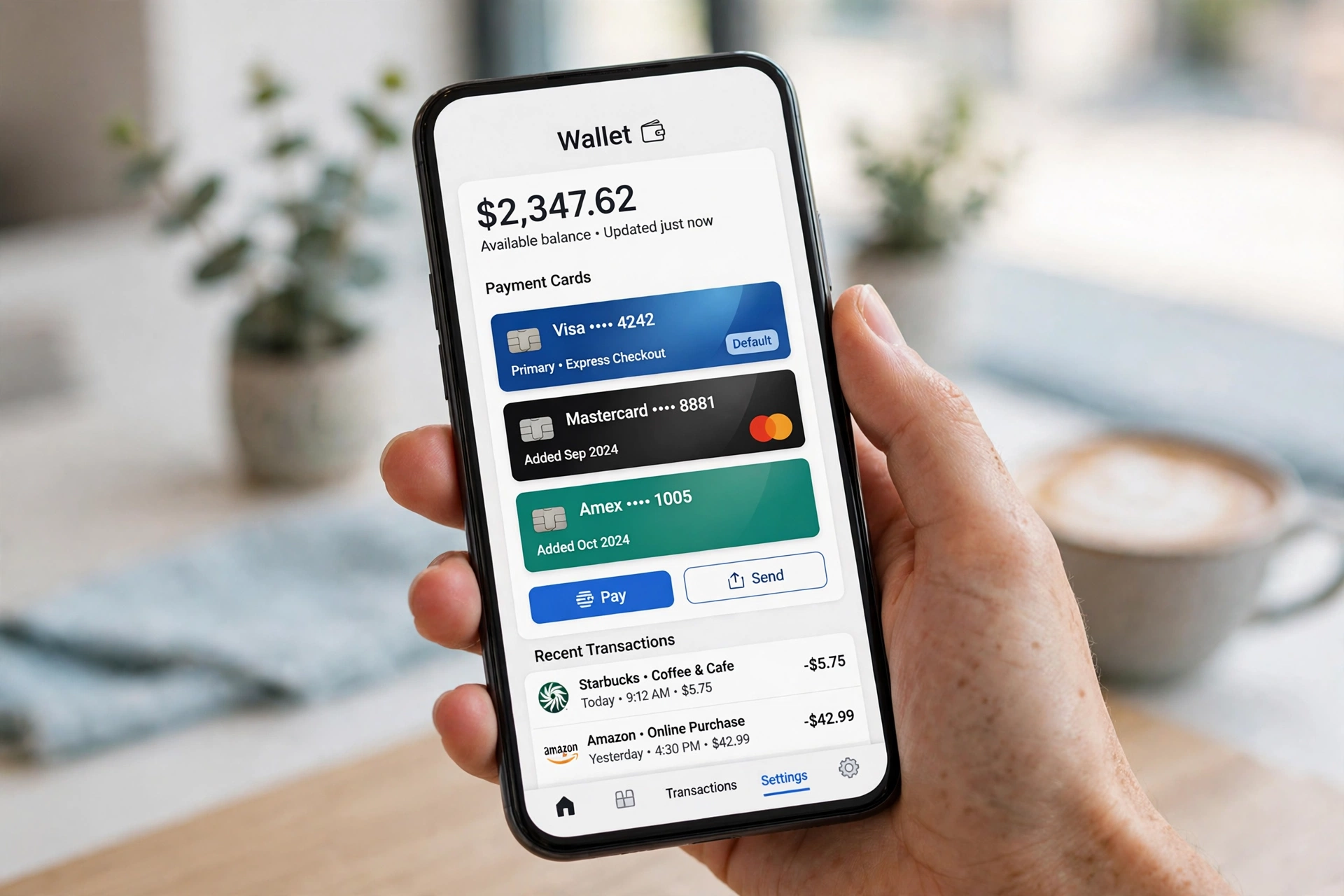
Built for one store, distributed to nobody else
The platform cannot do something your business needs and the available public app does most of it badly — trade ordering, contract pricing, approval workflows, or an integration nobody has written.
A private Shopify, BigCommerce or WooCommerce app against the platform APIs, with its own admin surface and webhooks
Built against documented platform APIs rather than patched into a theme, so it survives platform updates. Scoped narrowly on purpose: a private app that tries to do five things is five things to maintain.
FAQs
Eight questions that come up before most app projects. More on our full FAQ page .
Book a technical audit. We will review your purchase frequency, mobile revenue share, install channels and current mobile experience, and tell you whether an app is the right next investment or whether the same budget does more elsewhere — whether or not you hire us.